
How to Sign Up
Learn how to sign up and create ownlink.app account
How to Create an Ownlink.app Account
Ownlink.app helps you create and manage short links using your own branded domain. You can organize links, track clicks, generate QR codes, and keep your campaigns in one place.
1. Open the Pricing section
Go to the Ownlink.app homepage and click Pricing in the main navigation.

2. Select a Plan
Review the available plans and click Get Started under the plan you would like to use.
3. Create Your Account
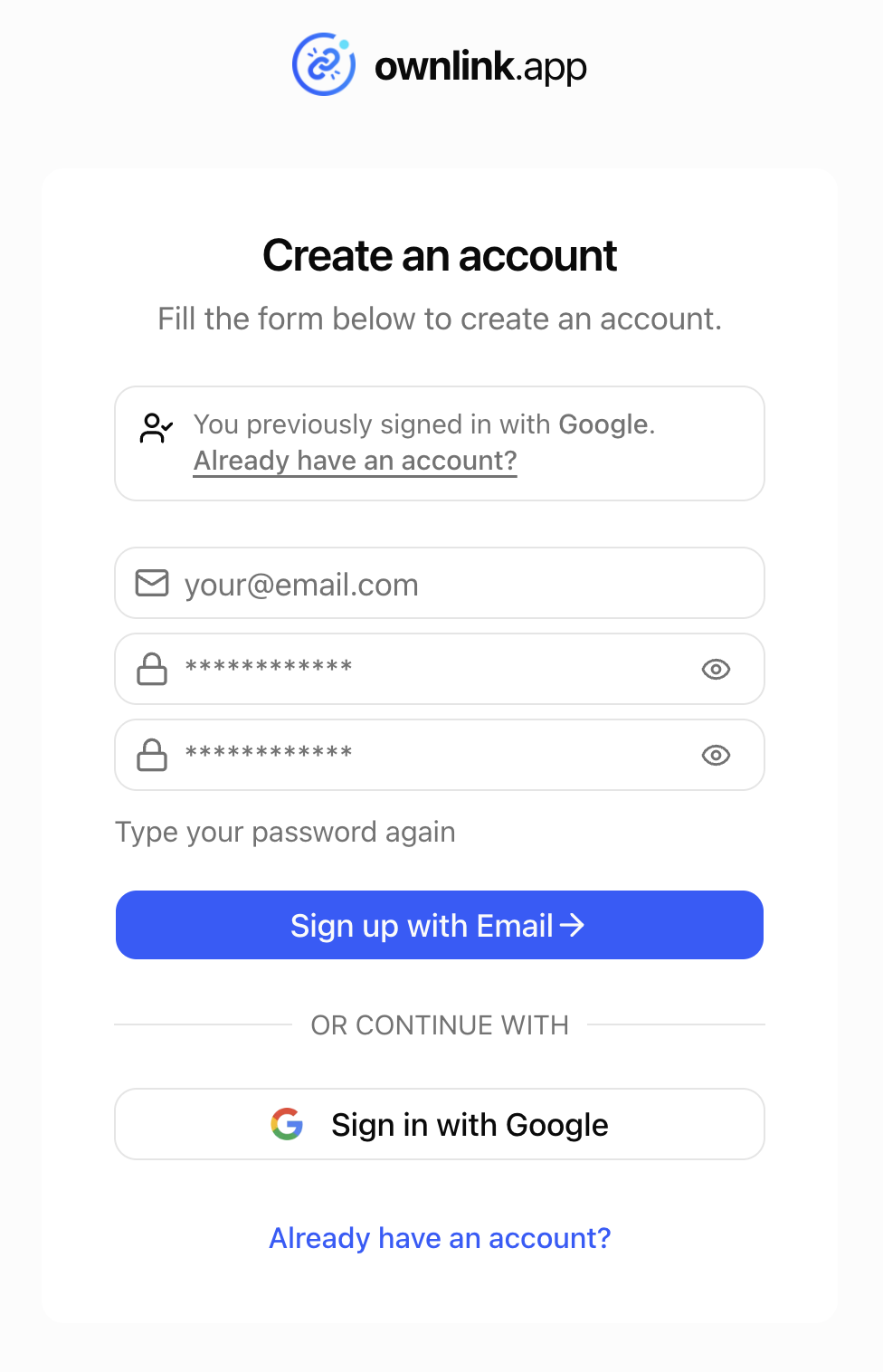
On the signup page, you can:
- Enter your email address and create a password, or
- Continue using your Google account.
4. Enter Your Name & Create Your Team
Add your name so we can personalize your account.
Enter a team name. This can be your company name, brand name, project name, or any other name you use to organize your links. You can change the team name later in your account settings.
5. Add Your Payment Details
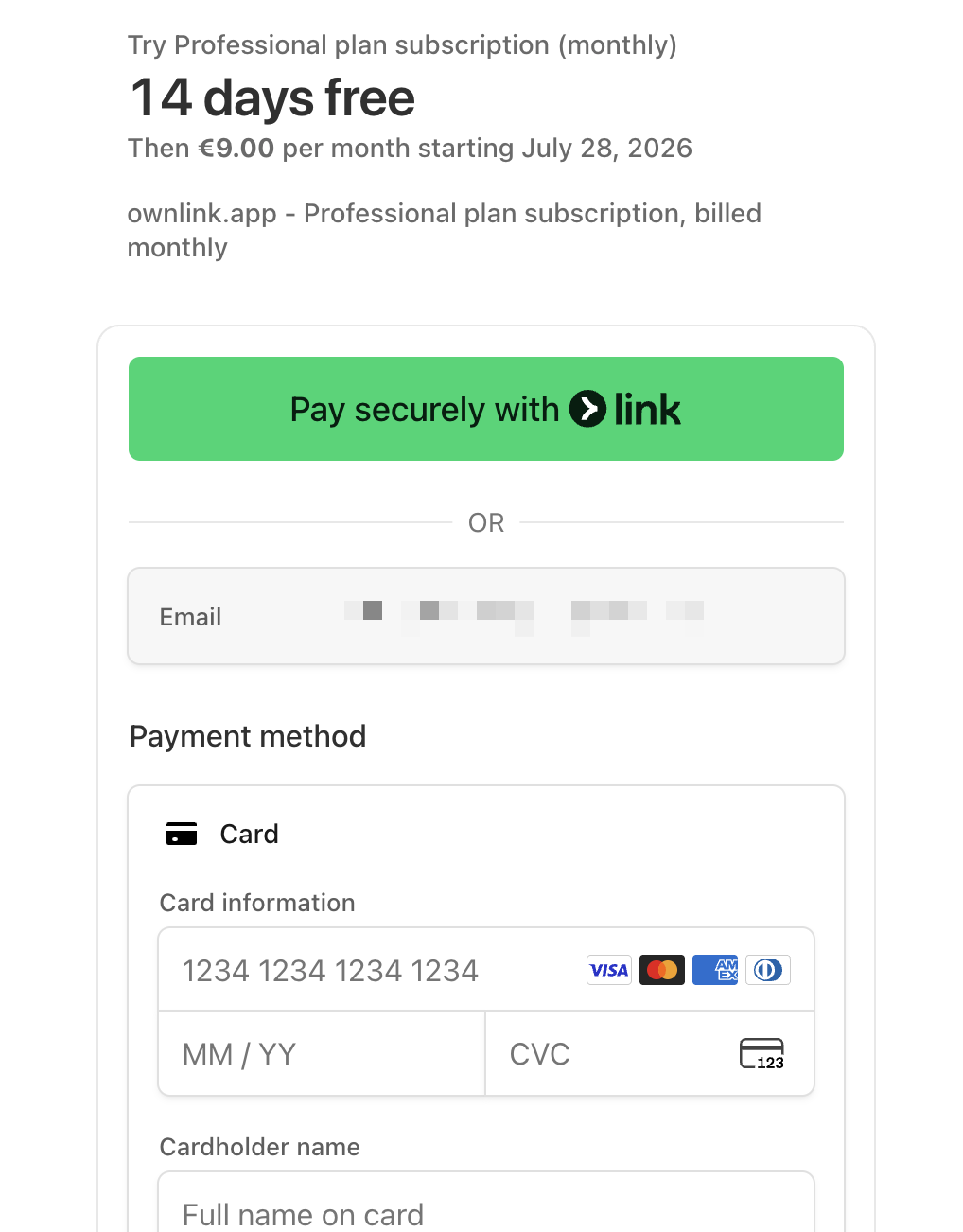
Proceed to the payment page and enter your payment details.
Your 14-day free trial will start after signup. You will not be charged until the trial period ends and you can cancel your account at any time during or after the trial period.
6. Start Using Ownlink.app 🎉
Your account is now ready!
You can begin by adding your custom domain, creating your first short link, and exploring your link analytics.